Descrizione
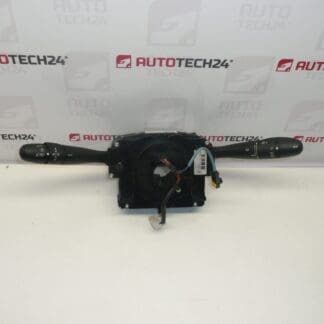
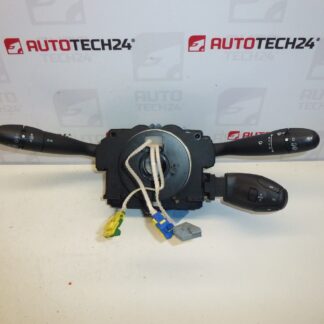
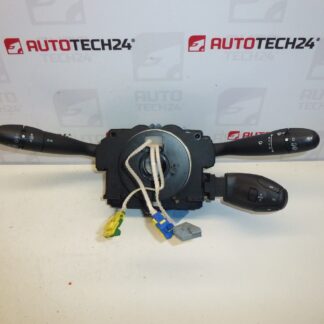
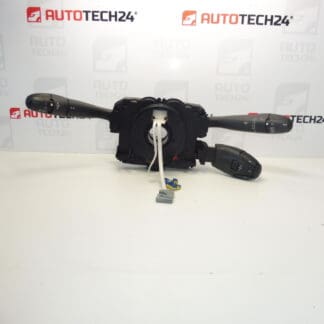
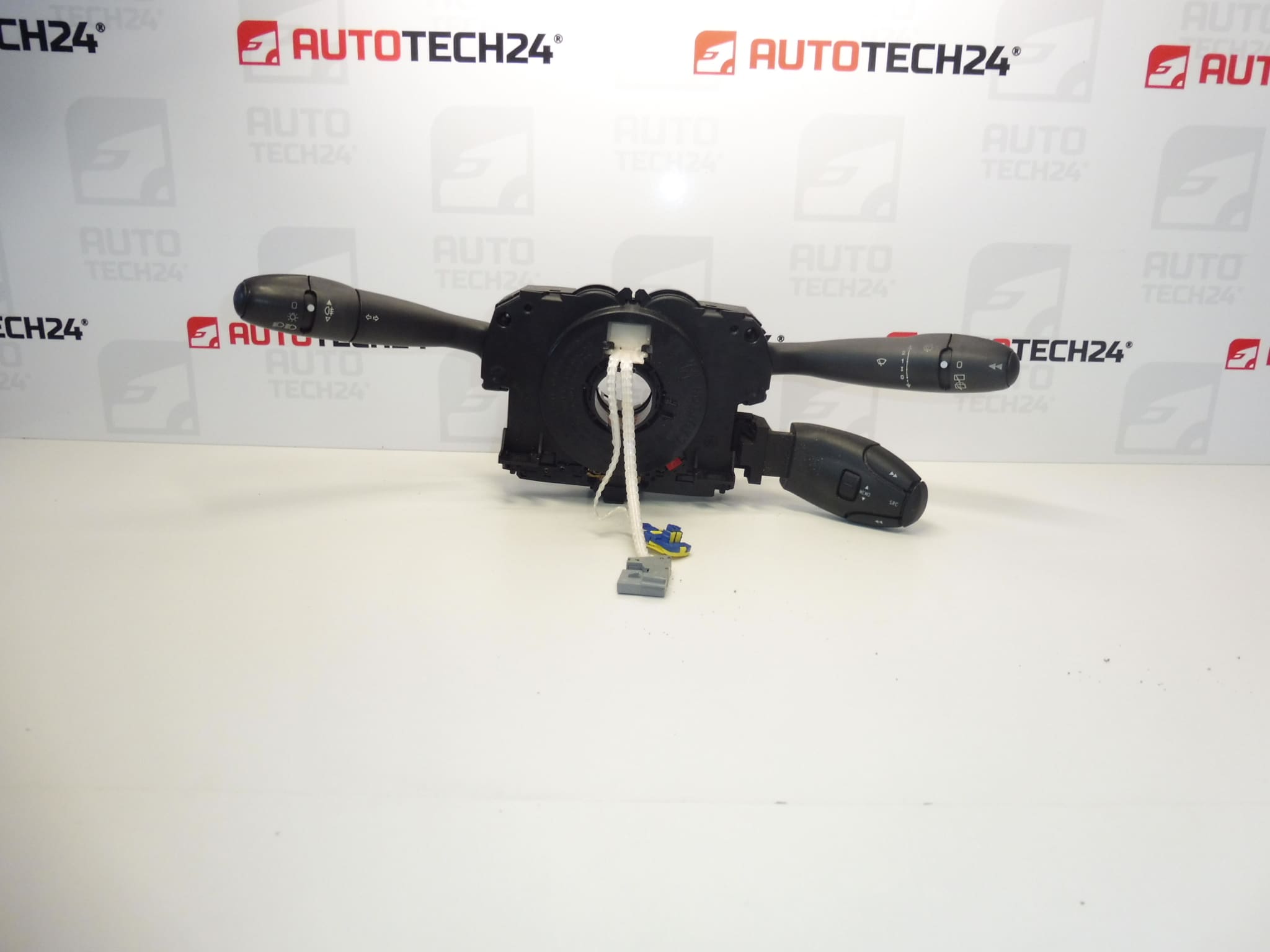
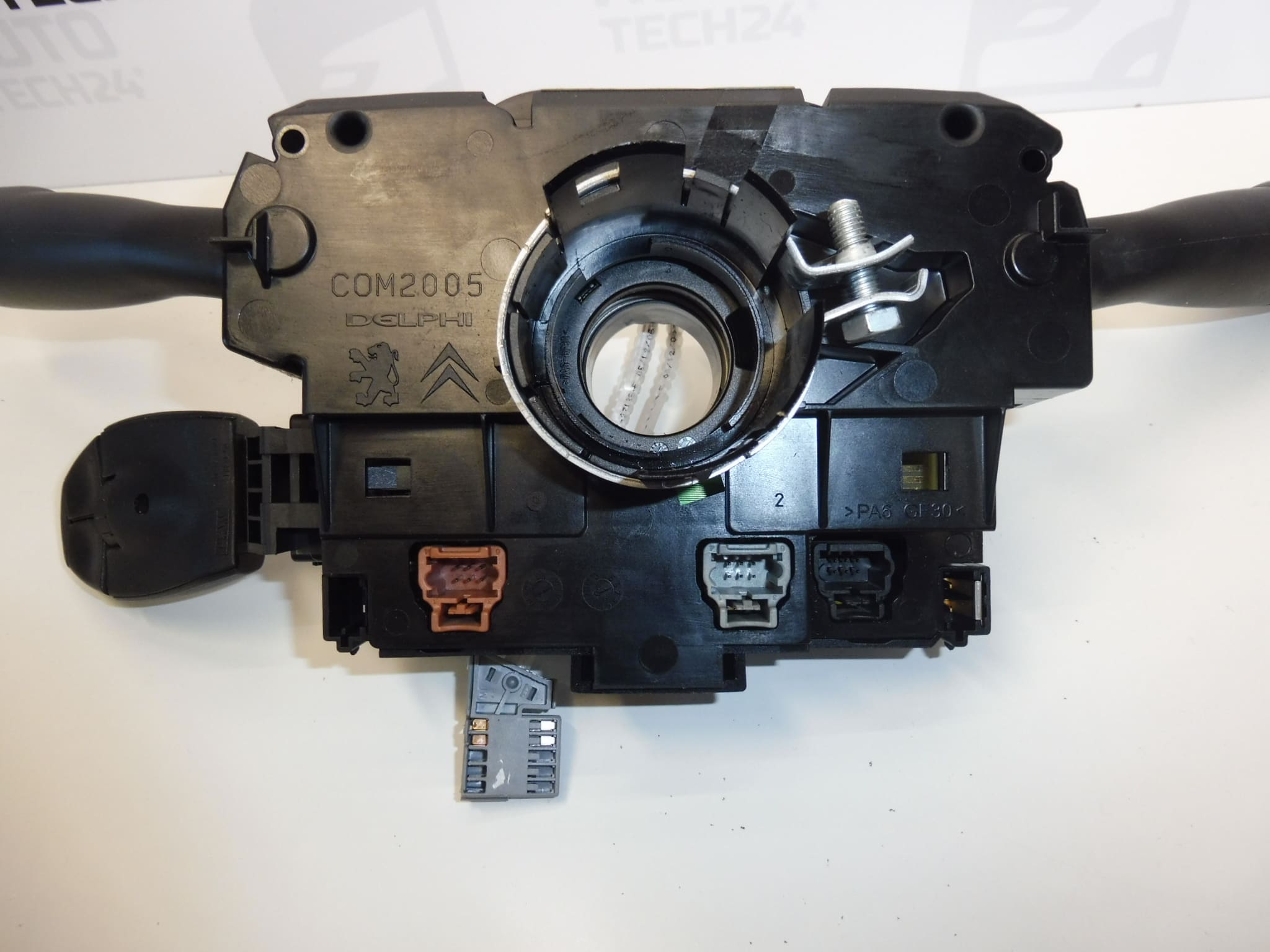
Steering column switches, DELPHI COM2005 stalks for PEUGEOT 307, 308
Control the fog lights, front and rear wipers, and onboard computer
Cruise control and car radio switches can be purchased separately
Part description
Used DELPHI COM2005 steering column switches for Peugeot 307 and Peugeot 308 are used to control the fog lights, front and rear wipers, and onboard computer. They are a suitable choice when replacing the original stalks if their mechanism is damaged or they respond unreliably when switched.
When selecting a part, be guided primarily by the marking 96628728XT, related codes, and whether its design matches the original part. The model name alone is not enough to determine the correct switch variant. The cruise control and car radio switch is not included in the described assembly; it can be purchased separately.
Technical information
- Manufacturer: DELPHI
- Model: Peugeot 307, Peugeot 308
- Part type: steering column switches – COM2005 stalk assembly
- Main product number: 96628728XT
- Other numbers: 6242CA, 98069975XT
- Controlled functions: fog lights, front and rear wipers, onboard computer
- Condition: used part
Product codes
Product codes: 96628728XT, 6242CA, 98069975XT
These numbers help identify the correct part variant. Compare them with the marking on the original assembly and also check the connectors, mounting points, and controlled functions.
Installation recommendations
The following procedure generally applies to this type of part. The exact removal procedure, safety precautions, and any required adjustments depend on the specific model and vehicle configuration. Work around the steering wheel may involve handling the airbag; in such cases, it is advisable to have the replacement carried out by a qualified mechanic.
1) Before installation
- Compare the product number, stalk design, function markings, connectors, and mounting points with the old part.
- Check that the used part has no cracked cover, damaged clips, bent contacts, or signs of moisture or corrosion.
- Gently test the movement of the stalks and buttons. Do not force them if you feel resistance.
- Before replacement, also check the vehicle wiring and connectors: similar symptoms may not be caused by the switches themselves.
2) Tools and materials required
Prepare suitable hand tools for the fasteners used, plastic trim removal tools, a flashlight, and a clean cloth. An instrument and compatible diagnostic equipment may be needed for electrical checks. Do not use standard test equipment on airbag circuits; follow the manufacturer’s service instructions.
3) Step-by-step installation procedure
- Before removal, note any controls that do not work or work intermittently so you can compare the results after replacement.
- Secure the vehicle against movement and set the wheels straight ahead.
- Switch off the ignition and, following the manufacturer’s procedure, allow the electronics to enter sleep mode.
- Disconnect the battery according to the service procedure and observe the specified waiting time before working near the airbag system.
- Carefully remove the necessary covers. If access requires removal of the airbag or steering wheel, proceed only if you have the appropriate knowledge and follow the vehicle documentation.
- Note the wiring routing and connector positions. Release their locking tabs and disconnect them without pulling on the wires.
- Release the original assembly’s mounting points and remove it without prying against the surrounding plastic parts. Prevent any related rotary components from being turned unintentionally.
- Compare the two assemblies side by side. If the connectors, mounting points, or functions differ, do not continue the installation by force or modify the wiring.
- Position the replacement part correctly and secure it according to the service procedure. Connect the connectors and make sure they are fully locked in place.
- Route the wiring so it is not pinched or obstructing moving parts. Reinstall the removed components and covers.
- Reconnect the battery and carry out the prescribed procedure for restoring the electronics to operation. Perform any diagnostic setup only if required by the manufacturer for the specific configuration.
4) Post-installation checks and test drive/function verification
- With the vehicle stationary, check the operation of the fog lights, front and rear wipers, and onboard computer. Test the wipers on a wet windshield.
- Check that each stalk and button position works reliably and that no functions activate on their own.
- Make sure the covers and wiring do not restrict steering wheel rotation and that no warning related to the work performed has appeared.
- Carry out a short test drive only after a successful stationary check and only if there are no faults with the steering or airbag system.
5) Most common installation mistakes and how to avoid them
- Selecting a part based only on the vehicle model: also compare the part numbers, connectors, and functional configuration.
- Forcing connectors apart: release the locking tabs first to avoid damaging the contacts or clips.
- Pinched wiring: before fitting the covers, check its routing and ensure there is enough clearance around moving parts.
- Incorrect positioning of related rotary components: keep them in the prescribed position and follow the service documentation.
- Failing to check the original cause of the fault: inspect the connections and wiring so the replacement does not merely address a symptom of another fault.
Reasons why the part may become damaged
The following are general causes of damage that may occur with steering column switches; they do not describe any defects identified in the item offered:
- Mechanical wear of the switching mechanisms and buttons due to frequent use.
- Worn or dirty electrical contacts, which may cause intermittent responses to commands.
- Moisture and corrosion in the connectors or inside the assembly.
- Rough handling of the stalks, impacts, or the application of excessive force.
- Improper removal and installation, which may damage the clips, wires, or connecting contacts.